

What Is a Single Sign-On (SSO) Code?

What Is a Single Sign-On (SSO) Code? (And How to Find It)
Let’s cut the fluff and get straight to the point: "SSO Code" isn't a real technical term. It’s a ghost. It’s a catch-all phrase that confused users type into Google when a login screen stops them dead in their tracks.
If you are staring at a blinking cursor asking for an "SSO Code," you aren't dealing with one single thing. You are likely facing one of three very different hurdles: a Company Domain (identifying where you work), a Verification Code (proving it’s actually you), or—if you’re the one building the app—an OAuth Authorization Token.
You’re probably reading this because you’re stuck. You’re five minutes late for a Zoom call, you’re locked out of Slack, or the corporate portal is demanding information you don’t have. It’s frustrating. It’s vague. Frankly, it’s bad design.
But we can fix it.
While modern identity solutions—like those we dissect in our guide to Enterprise SSO Implementation—are trying to kill these manual inputs, we aren't there yet. Until the world moves on to passwordless bliss, you need to know exactly what that text box wants so you can get on with your day.
The 3 Meanings of "SSO Code": Which One Are You Fighting?
Context is everything here. The term "SSO Code" is a chameleon—it changes its skin depending on where you are in the login sequence. Before you start frantic-searching your inbox or sitting on hold with IT, look at your screen. Really look at it.
Which of these three scenarios is happening to you?
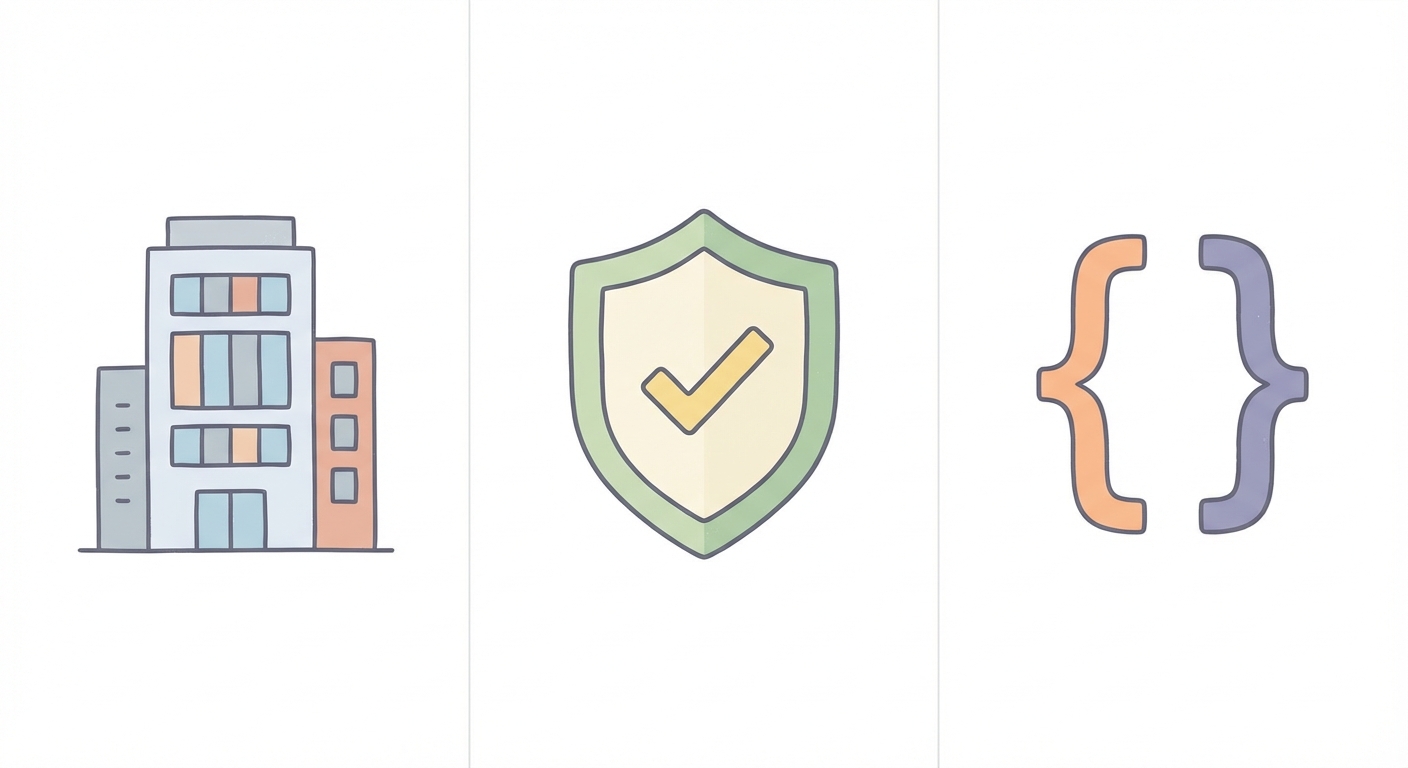
- The "Company ID" (Pre-Login): You haven't even typed a password yet. The app (Zoom, Slack, Salesforce) is asking for a "Domain," "Workspace," or "Company ID." It’s trying to figure out which digital building you belong to.
- The "Verification Code" (Mid-Login): You entered your credentials, but now the screen demands a 6-digit number. This is Multi-Factor Authentication (MFA), often mislabeled by users as an SSO code.
- The "Authorization Code" (Developer Mode): You are writing code or debugging a login flow, and you see
?code=followed by a string of gibberish in the URL bar.
Scenario 1: The "Company Domain" (Zoom, Slack, & Enterprise Apps)
This is the most common point of failure. It usually happens on Monday mornings or when setting up a new laptop. You open an app, click that promising "Sign in with SSO" button, and—bam. Blocked.
The field asks for a "Company Domain" or "SSO Code."
Why Is This Happening?
The application is confused. It doesn't know you yet. Cloud apps are "multi-tenant," which is a fancy way of saying millions of companies use the same software. Before Zoom can check your password, it needs to know if you work for Acme Corp, Stark Industries, or the local bakery. It needs to route you to your specific identity provider (like Okta, Google Workspace, or Microsoft Azure).
It can't guess. You have to tell it.
Real-World Examples
- Zoom: When you hit "SSO" on the login screen, Zoom demands your "Company Domain." If your work email is
[email protected], your domain is almost certainlyacme.zoom.us. If you get this wrong, you don't exist in their eyes. You can dig deeper into this via the official Zoom SSO Login Help documentation. - Slack: Slack works the same way but calls it a "Workspace URL." This is the
acme-corp.slack.comaddress you see in your browser every day. If you’ve forgotten it, the Slack SSO Configuration guide suggests asking your workspace administrator (or checking the sidebar on a colleague's screen).
The "Company Code" Hack
Don't know your code? IT department gone for lunch? Try this shortcut.
Look at your work email address. In about 90% of enterprise setups, the "code" is simply the text after the @ symbol and before the .com.
- Email:
[email protected] - Likely SSO Code:
ssojet
It’s rarely a secret password. It’s usually just your organization’s name, stripped of punctuation. Try that first.
Scenario 2: The "Verification Code" (MFA & 2FA)
This scenario kicks in after you’ve successfully told the system who you are. You said, "I am Jane," and the system replied, "Okay, prove it."
This is where terminology gets muddy. Users often look at the 6-digit One-Time Password (OTP) on their phone—generated by Google Authenticator, Duo, or sent via SMS—and call it an "SSO Code."
Technically? That’s wrong. This is Verification, not Authentication. But practically? It’s the code you need to type to get in.
The Security Distinction
Authentication is stating your identity (SSO). Verification is proving you possess a trusted device (MFA).
Critical Security Warning:
There is a massive difference between Scenario 1 and Scenario 2.
- Scenario 1 (Domain): Public info. You can tell anyone you work at
acme.zoom.us. - Scenario 2 (MFA): PRIVATE.
If a login screen asks for a 6-digit code sent to your phone, never read that number out loud to someone calling you. IT support will never ask for it. If someone asks for this code, they are trying to hack you.
Scenario 3: The Developer's View (OAuth 2.0 Authorization Code)
If you aren't a developer, you can safely scroll past this section. This is for the people building the pipes.
If you are a developer, you might be debugging an OIDC integration and wondering what that code parameter is doing in your callback URL.
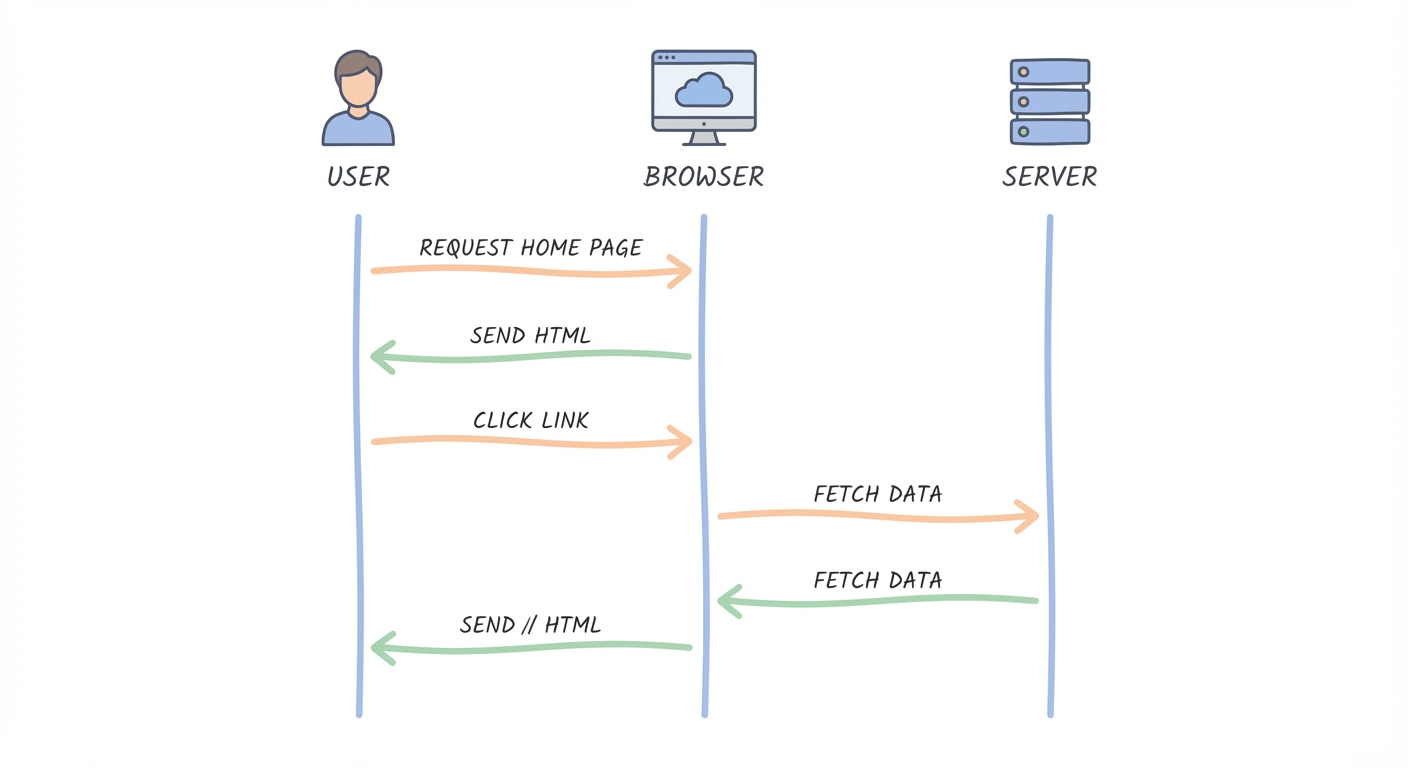
In the world of OAuth 2.0, the "Authorization Code" is a temporary, short-lived credential. When a user logs in successfully, the Identity Provider (IdP) doesn't just hand over the keys to the castle (the Access Token) immediately. That would be insecure, especially in a browser environment.
Instead, it redirects the browser back to your application with a code. It looks like this:
https://app.com/callback?code=SplxlOBeZQQYbYS6WxSbIA
Why Does This Dance Exist?
This "handshake" is a security buffer. It ensures that the user's actual credentials (password) never touch your application directly. Your server takes this code—which is useless to a hacker without your generic Client Secret—and exchanges it directly with the IdP for an Access Token.
This specific flow is called the Authorization Code Grant. It is the gold standard for server-side applications because it keeps tokens off the "User Agent" (the browser), where they are vulnerable to XSS attacks.
If you are building these flows, you can't fake it. You need to understand the mechanics. I highly recommend reading our deep dive on SAML vs. OIDC Guide.
For the raw technical specs, check the OAuth 2.0 Authorization Grant documentation.
Troubleshooting: "Where Do I Find My SSO Code?"
Still stuck? Depending on your role and what device you're holding, here is exactly where to look.
For Employees (The "I just want to work" crowd)
- Search "Welcome" in your Inbox: When you were hired, IT sent you an onboarding email. It contains your "Company Domain," "Okta URL," or "Portal Link." The code you need is buried in that URL.
- The "Colleague Check": Turn to the person next to you (or ping them on Slack/Teams). Ask, "What’s our Zoom domain?" They type it every day. They know it.
For TV & Smart Device Logins
Streaming apps on smart TVs are painful. Nobody wants to type a 16-character password with a remote control.
These apps use a "Device Code Flow." The TV will display a short code (e.g., ABCD-1234) and ask you to visit a URL on your phone (like disneyplus.com/begin). In this specific case, the "SSO Code" is literally on your TV screen. You verify the login on your phone, and the TV magically unlocks.
For Developers
If your authorization code exchange is failing, check your IdP logs (Auth0, Okta, AWS Cognito).
- Speed Matters: The code is ephemeral. It often expires in under 60 seconds.
- One Shot Only: If you try to use the code twice, the exchange will fail. If your server retries the request automatically, it might be killing the valid code.
The Future: Why "Codes" Are (Thankfully) Dying
The fact that I have to explain "SSO Codes" proves that modern software design has failed. Typing domain names, copy-pasting 6-digit codes, and managing workspace URLs creates friction. It creates helpdesk tickets. It wastes your time.
We are moving toward a future where the "code" is invisible.
Magic Links & Passkeys
The industry is shifting toward "Magic Links"—where you simply click a link in your email to log in—and Passkeys.
Supported by the FIDO Alliance (Passkeys), this standard allows you to use the biometrics you already use (FaceID, TouchID) to log in to enterprise apps instantly. No typing "acme-corp," no hunting for a 6-digit SMS code. You just look at your screen, and you're in.
At SSOJet, we believe the best login experience is the one you don't notice. Implementing Passwordless Authentication eliminates the ambiguity of "codes" entirely. It reduces user confusion, slashes support costs, and actually improves security by removing phishable static credentials.
But until that future is evenly distributed, knowing the difference between a Company ID and a Verification Code is your best defense against the login screen blues.
FAQ: Common Questions About SSO Codes
1. Why is Zoom asking for a company domain/SSO code?
Zoom hosts millions of companies. It needs to know which one you belong to so it can verify your identity against your company's specific employee database.
2. Is an SSO code the same as a verification code?
No, and mixing them up causes headaches. An SSO code (Company Domain) identifies where you log in. A verification code (MFA) proves who you are. One is a location; the other is a key.
3. Where do I find the SSO code for my TV/Mobile app?
Look at the TV screen. It will display a short code and a URL. You don’t find this code; the device gives it to you.
4. I'm a developer; what is the authorization_code in OAuth?
It is a secure middleman. It allows your app to get an Access Token without ever handling the user's password directly. It keeps your app secure and your users happy.
*** This is a Security Bloggers Network syndicated blog from SSOJet - Enterprise SSO & Identity Solutions authored by SSOJet - Enterprise SSO & Identity Solutions. Read the original post at: https://ssojet.com/blog/what-is-a-single-sign-on-sso-code
