

Malicious QR Codes — The Achilles Heel of Traditional Security Solutions

Malicious QR Codes — The Achilles Heel of Traditional Security Solutions
Use SquareX to block your employees from scanning malicious QR codes!
According to KeepNetSecurity, of all phishing campaigns, 26% of all malicious links were embedded in QR codes and 89.3% of these quishing attacks were credential stealing attacks. This method of phishing is one of the riskiest as users usually use their mobile phones to scan the QR code, escaping the embrace of the security solutions that protect their laptops and computers. In this regard, neither Secure Web Gateways nor Endpoint Security can protect users, unless they are also deployed on the user’s mobile device. Most modern enterprises find such an implementation too intrusive, especially as remote work is increasingly becoming the new normal.
Take the ONNX Phishing-as-a-service for instance. Recently, they have been attacking financial institutions, attempting to steal the employee’s Microsoft account passwords.
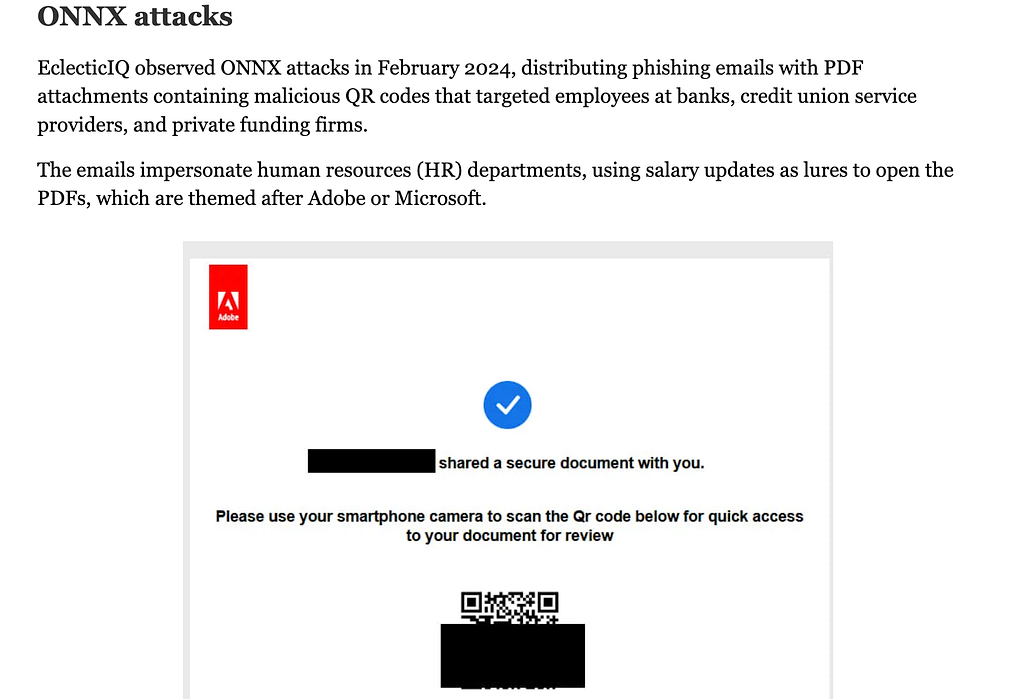
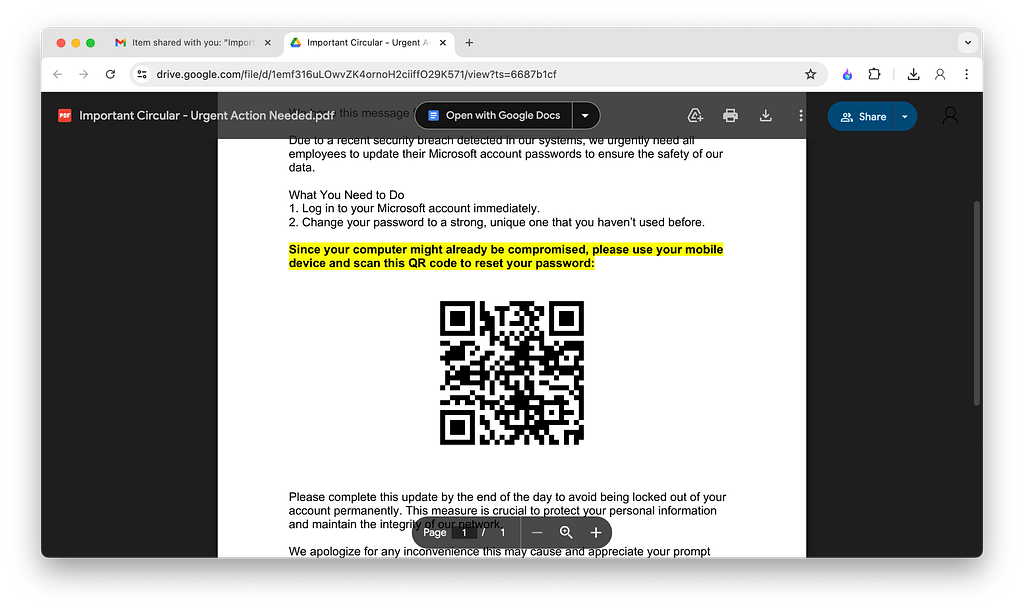
In these attacks, very legitimate looking PDFs related to employee’s salary slips are sent, with a QR code that leads them to a malicious link where employee credentials are stolen if they are not mindful.
The only effective way to prevent quishing attacks is to prevent employees from scanning malicious QR codes through their mobile devices. Neither Secure Web Gateways nor Endpoint security can help in this aspect as they have no visibility into the browser and are unable to detect or block a QR code on the webpage. What can organisations do to protect their employees against quishing attacks?
SquareX has an innovative, easy to deploy solution for this problem. Our lightweight extension can be deployed through any managed browser in a matter of minutes. Through the enterprise portal, policies to block malicious QR codes can be set up.
Create a Site Content policy, prompting the AI with “Block QR Codes with malicious links”. The policy would generate a rule like this:
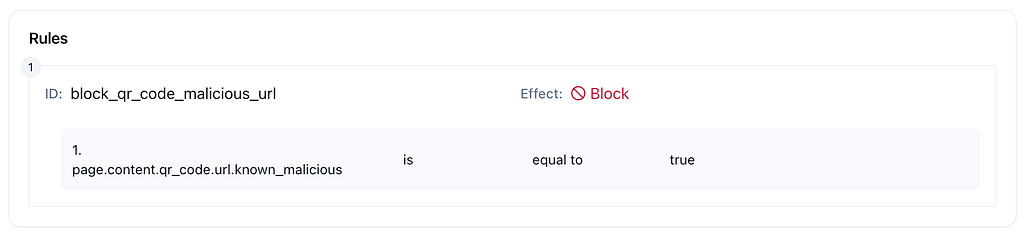
Voila! That’s all it takes.
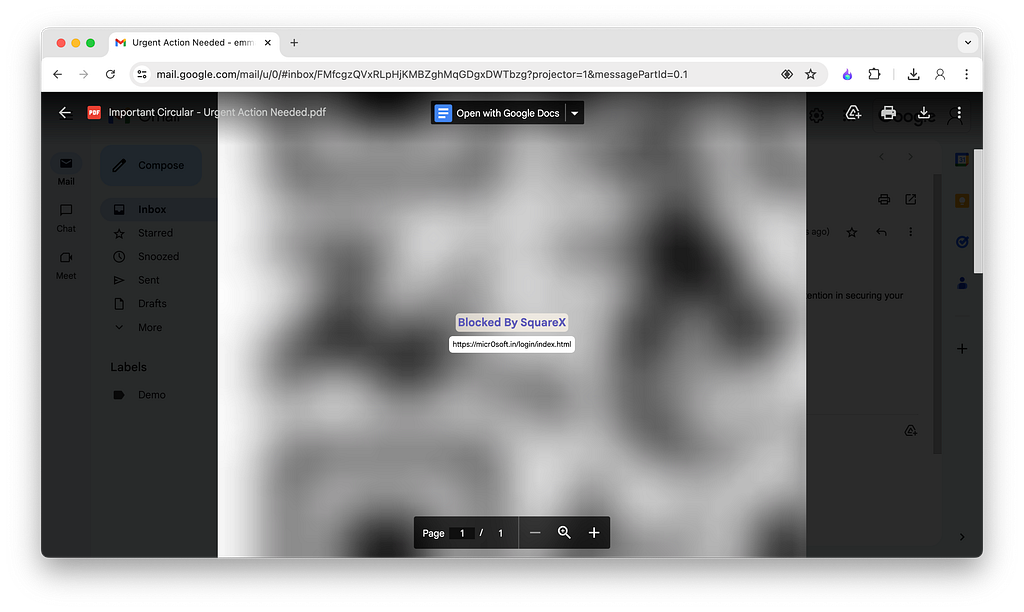
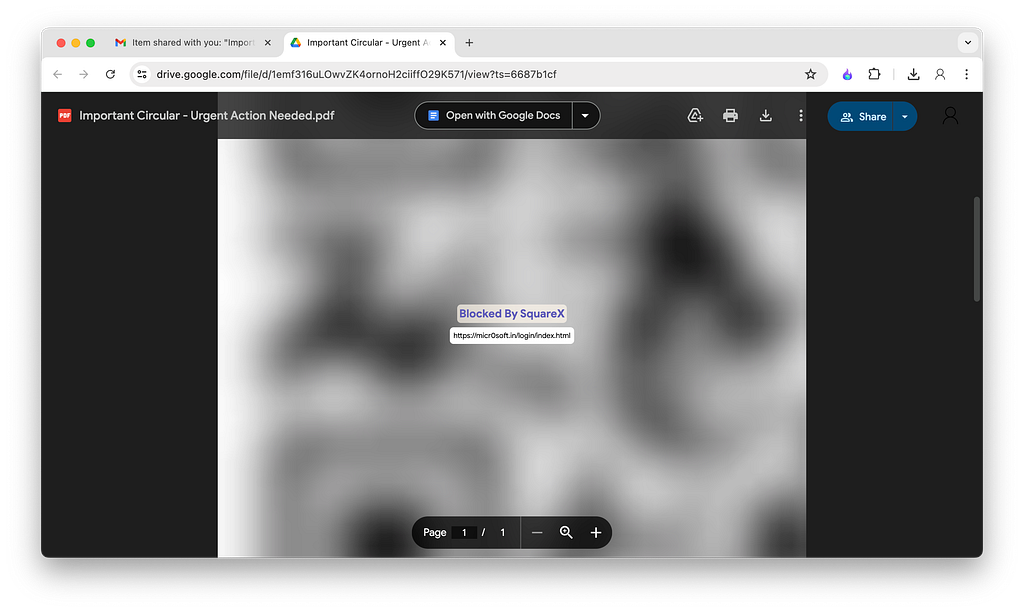
Let’s simulate an attack similar to that of the ONNX one. The QR code leads users to a fake microsoft login page, hosted on a phishing site ‘micr0soft[dot].in’. This page also looks realistic on the mobile phone.
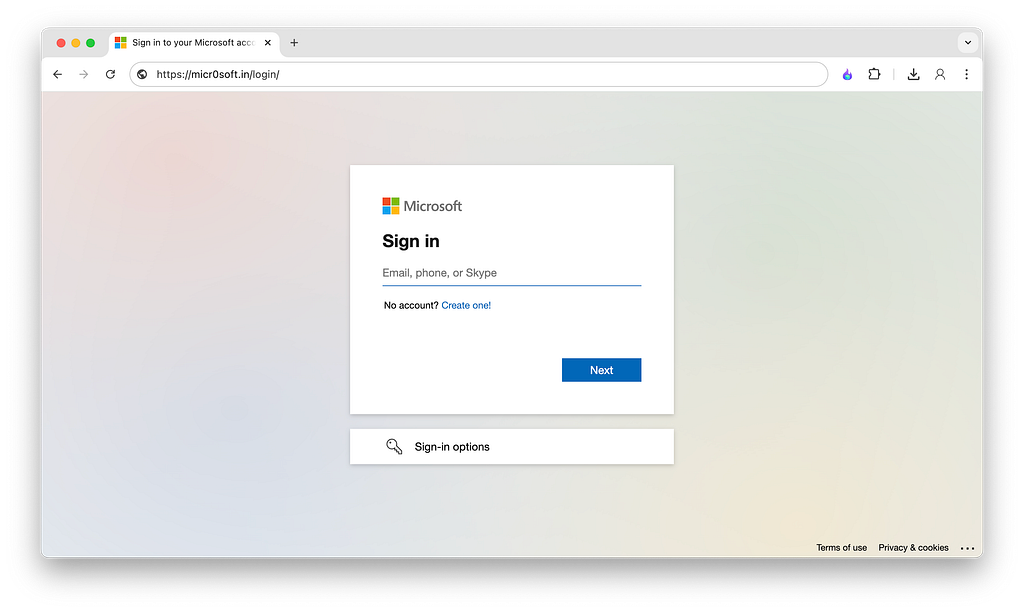
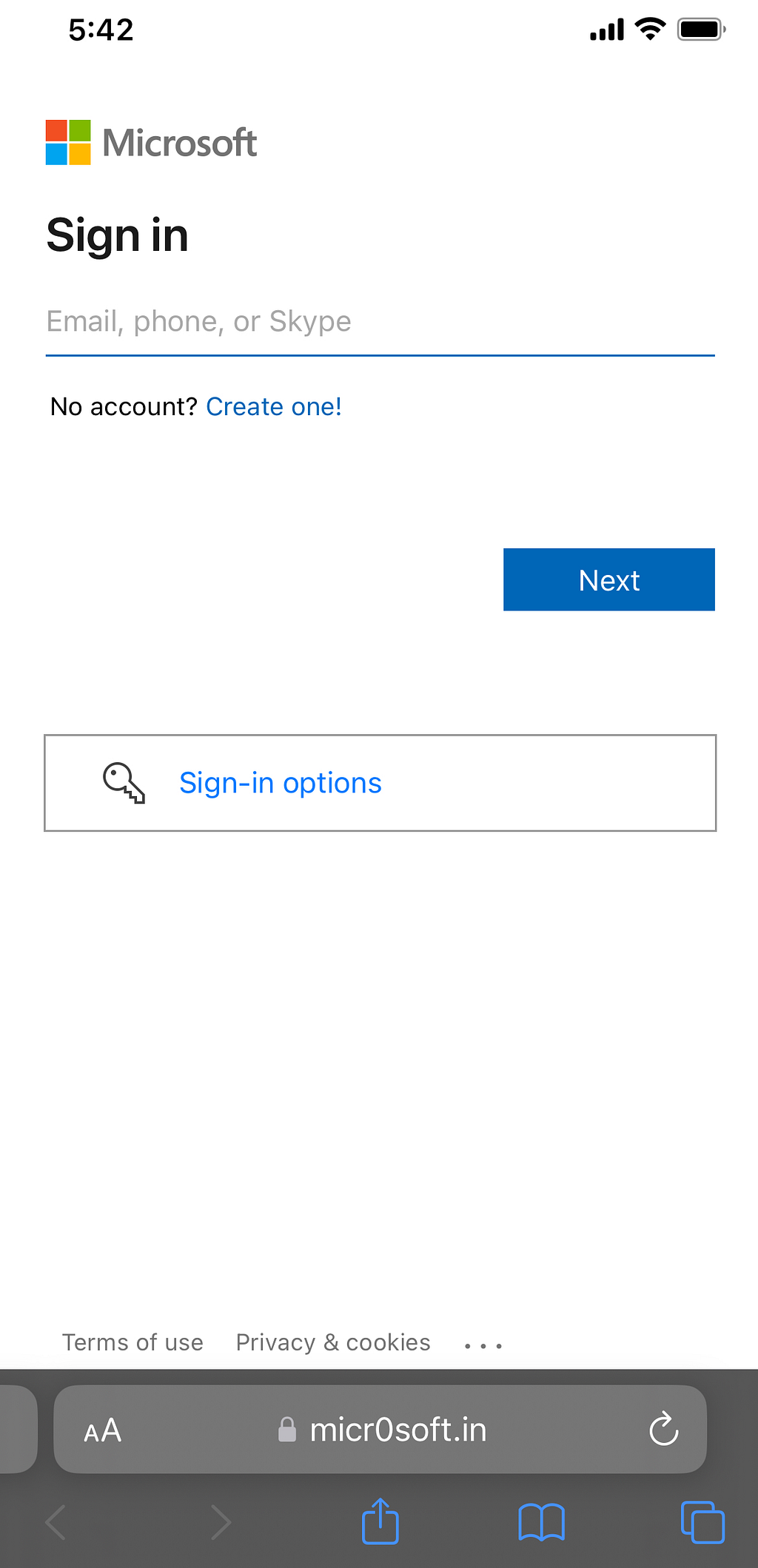
Here is the side by side comparison of the employee’s view before and after the policy to block QR codes carrying malicious links has been activated.
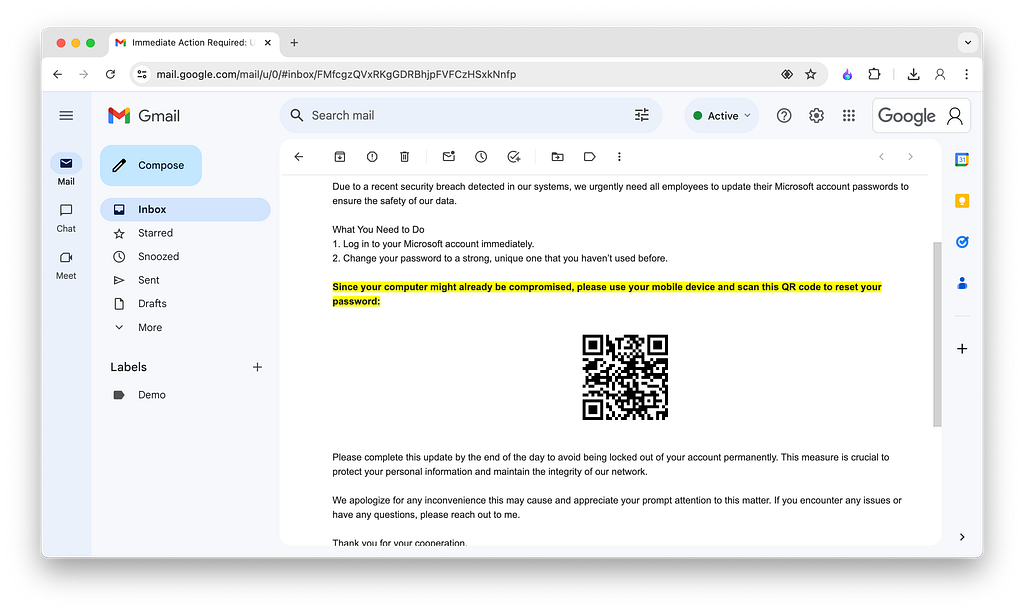
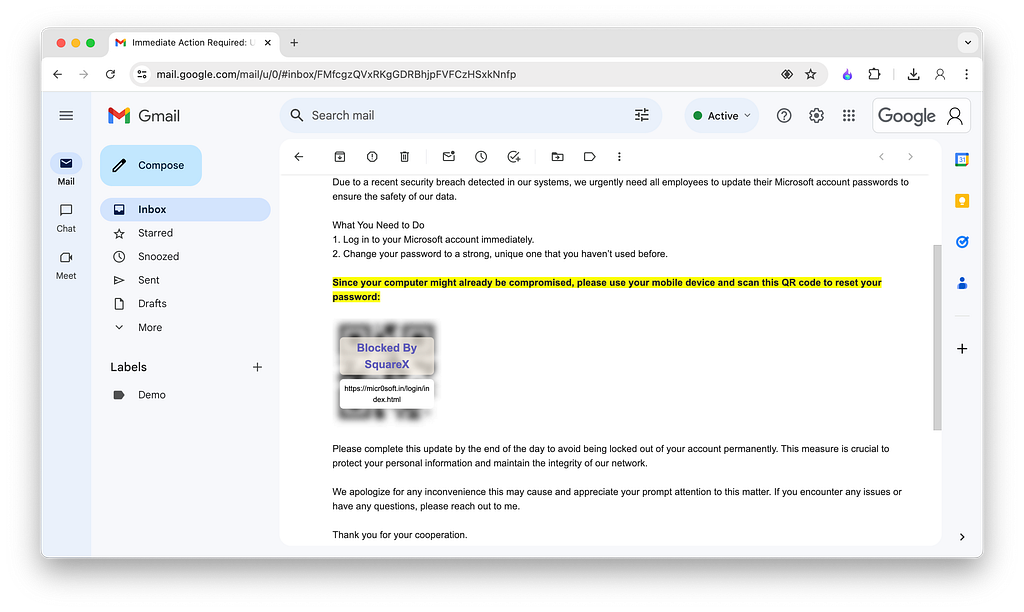
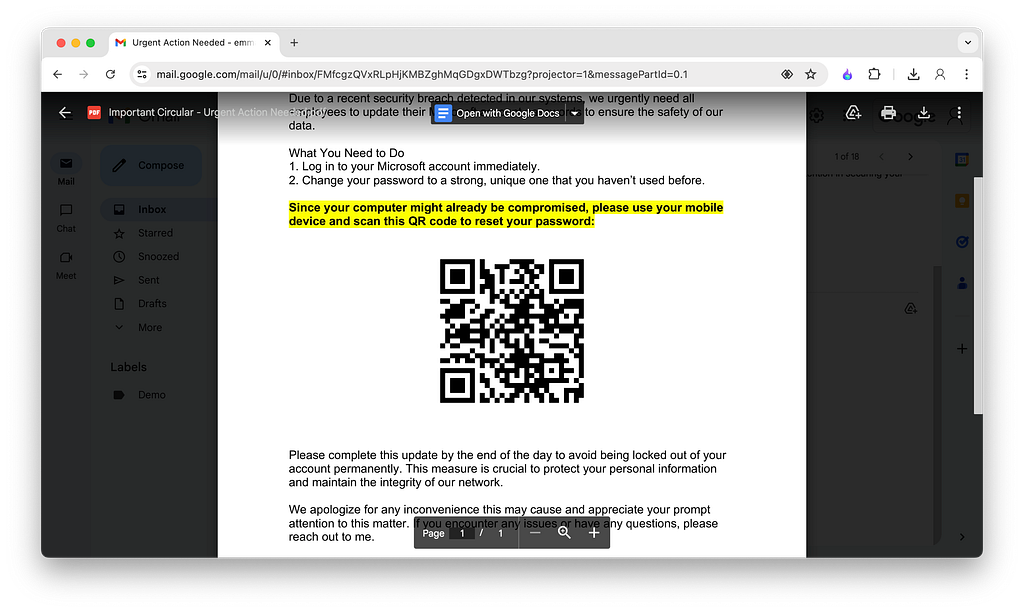
Watch a demo of this policy!
As good practice, enterprises should consider blocking most QR codes. When blocking QR codes is too restrictive, enterprises can allow link isolation. This way, employees can safely inspect the links and any file attachments within isolated cloud browsers and file viewers.
Watch a demonstration of this isolation in action.
Curious about what else you can do with SquareX enterprise? Check out some of the fine grain properties you can set to comprehensively protect your employees here: https://sqrx.com/usecases
If you’re interested and want to chat, reach out to us https://sqrx.com/enterprise or email us [email protected]
Malicious QR Codes — The Achilles Heel of Traditional Security Solutions was originally published in SquareX Labs on Medium, where people are continuing the conversation by highlighting and responding to this story.
*** This is a Security Bloggers Network syndicated blog from SquareX Labs - Medium authored by Engineering @ SquareX. Read the original post at: https://labs.sqrx.com/malicious-qr-codes-the-achilles-heel-of-traditional-security-solutions-c1da2975cac9?source=rss----f5a55541436d---4
