

Tips on Developing Software With AI

When using generative AI to code,
the best practices to follow include
always reviewing the output,
conducting security tests on it,
avoiding to feed the tool with client or sensitive corporate data,
making sure you are using a tool approved by your company
and taking care not to breach open-source licenses.
Since gen AI is here to stay
as a mighty ally to development projects’ efficiency,
it is important to check
that it is implemented securely.
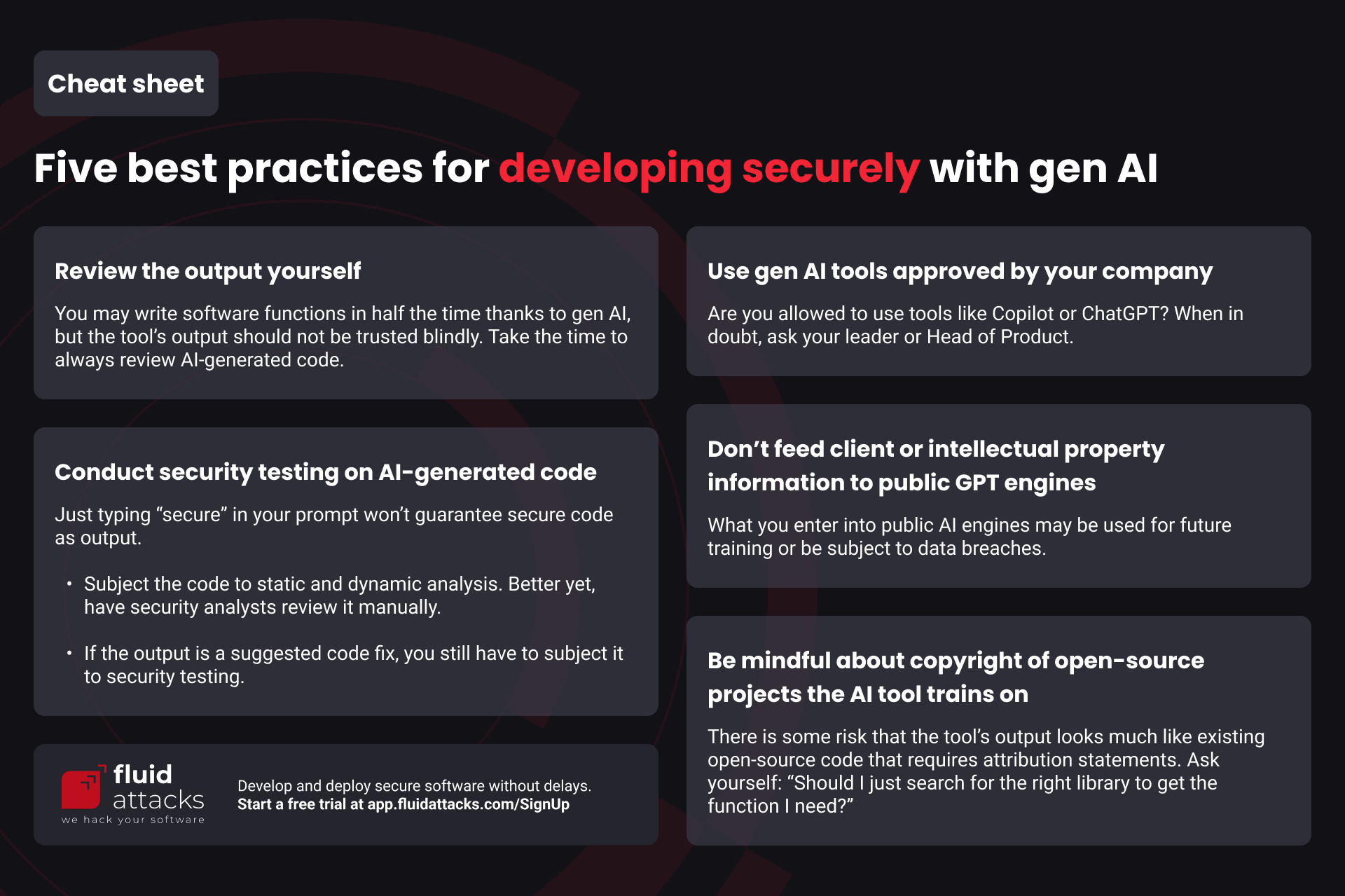
Cheat sheet: Five best practices for developing securely with gen AI
Review the output yourself
As it happens with open-source, third-party software components,
AI is offering a way for software development projects to gain agility.
For example,
you can use GitHub Copilot to write code fast
thanks to it autocompleting the intended software functions
based on your prompts.
GitHub research suggests that AI may give you an efficiency boost of 55%.
Gen AI also has the capability
to enable people with low technical knowledge
to develop software.
What’s more,
it’s been suggested
that AI could do the tasks of junior developers
and, nonetheless, serve as a learning tool for them.
Moreover,
it’s expected
that a significant number of enterprises will likely use gen AI
to unburden devs of some tasks
and assign other more important projects to them.
Rest assured,
gen AI is a tool to support your work.
In its current state,
it is not about to replace you.
In fact,
you should always expect that there will be flaws in AI-generated code.
Reviews must be performed always.
Take a good look at the code,
thinking about secure coding practices.
When in doubt,
ask knowledgeable peers to review and provide input on the AI-generated code
before you commit it.
Conduct security testing on AI-generated code
Security is a big issue of AI-generated code.
Fortunately,
there are tools
that can help you identify its vulnerabilities.
We have listed some that are free and open source (FOSS)
in our main post about security testing,
including our own tool.
If the application you’re coding is ready to run,
you can assess it
with dynamic application security testing
(DAST)
in addition to static application security testing
(SAST).
The former will attack your application
by interacting with it “from the outside.”
It also helps a lot to have ethical hackers
review the code and running application,
since vulnerability scanning,
a completely automated process,
is known to produce reports with high rates of false positives
and miss actual security issues.
These hackers, aka security analysts, can find true vulnerabilities
that, if exploited, would have a terrible impact
on information availability, confidentiality and integrity.
Once you learn of the vulnerabilities,
you need to remediate them.
Again, you may use gen AI to fix the code.
In fact,
we recently rolled out the Autofix
function
of our extension on VS Code.
You can get a suggested code fix with the click of a button.
But even then you will have to be careful with the output,
as this function leverages gen AI and can’t escape its limitations.
So, you should review the fix suggestion
and subject it to security testing.
If you’re interested in a free trial of security testing
with our automated tool,
click here to start.
Use gen AI tools approved by your company
It’s important that orgs identify and monitor the use of gen AI
should they allow it.
They will need to write up policies and company guidelines
regarding the use of AI,
helped by their intellectual property and legal teams.
As AI can err in the same ways humans have done writing code,
existing governance can serve as a foundation.
These are some things they’ll need to do:
-
Establish the AI tools that they identify as secure,
while being aware of the limitations of this technology. -
Educate their employees on the use of gen AI technologies
and policies related to it. -
Establish the security testing solutions
to be used to secure AI-generated code. -
Monitor for any intellectual property infringement.
You will need to be aware of requirements
by your supervisor or other persons in your company
(e.g., leader, Head of Product, CTO, management)
that they be informed that you are using gen AI tools.
If you are unsure whether you are allowed to use them at all
or which are the right ones,
ask around.
Don’t feed client or intellectual property information to public GPT engines
Don’t send confidential data of your company or its clients
that could be fed into a cloud that is much beyond your control.
Basically,
the GPT engine would train on this data
and eventually suggest it to users outside your company.
Moreover,
devs around the world are discouraged
from entering sensitive data into GPT engines,
as data breaches have occurred.
(Counting some related to ChatGPT:
Samsung thrice leaked its own secrets;
exploiting a flawed open-source library
gave attackers access to the chat history
of other users;
over 100,000 accounts were stolen
once.)
So,
be aware of any policy in your organization
detailing how to use gen AI tools for development.
Be mindful about copyright of open-source projects the AI tool trains on
Is there the possibility
that you’re copying someone else’s work
when using the gen AI output?
The issues of copyright infringement
(when the output copies copyrightable elements of existing software verbatim)
and breaches of open-source licenses
(e.g., failing to provide required notices and attribution statements)
are new
and to be analyzed case by case
(already there is an intricate lawsuit against Copilot).
Granted,
Copilot,
for example,
has trained on so many GitHub repositories
that the code it suggests may not look exactly like any particular code
protected by copyright or requiring credits as per its open-source license.
Still,
there is a risk of infringement,
and it’s not mitigated easily,
as Copilot removes in its suggestions copyright,
management
and license information
required by some open-source licenses.
What we recommend is to think
whether you could get the functions you need
by using open-source libraries knowingly.
You can follow our advice on choosing open-source software
wisely.
By the way,
there are tools that will help you find out if there’s any trouble
with the third-party code you introduce into your project.
By conducting software composition analysis (SCA),
these tools identify components
that have known vulnerabilities and pose possible license conflicts.
By trying our tool for free,
you will get these scans as well as SAST and DAST.
*** This is a Security Bloggers Network syndicated blog from Fluid Attacks RSS Feed authored by Jason Chavarría. Read the original post at: https://fluidattacks.com/blog/5-best-practices-coding-with-gen-ai/
